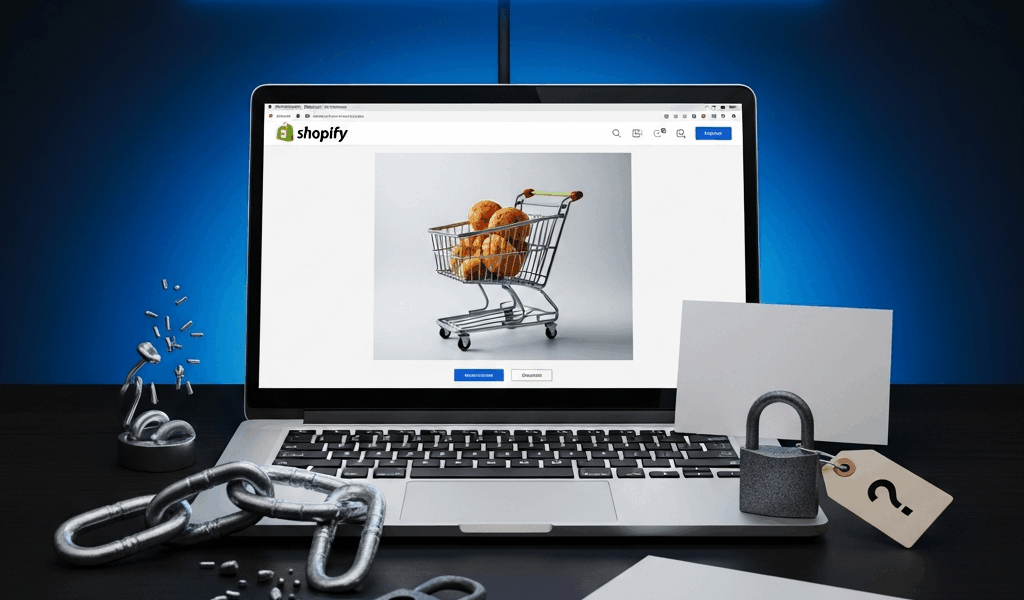
Why Your Shopify Store Is Not Getting Sales
Running a Shopify store has gotten complicated with all the conflicting advice flying around. Launch fast, they said. Drive traffic first, worry about conversions later. That advice cost me almost two years and more money than I want to admit.
As someone who ran a struggling dropshipping store through every embarrassing rookie mistake imaginable, I learned everything there is to know about why stores with decent traffic still make zero sales. Today, I will share it all with you.
My first month? Two sales. I’m fairly certain both were accidental clicks from people who didn’t realize they’d hit the buy button. Meanwhile, I had 35–50 visitors a day coming in from Pinterest and a Facebook ad campaign I was burning $12/day on. The traffic wasn’t the problem. The store was the problem — and I had no framework for figuring that out.
So, without further ado, let’s dive in.
Your Store Looks New and Untrustworthy
Visitors make up their minds about your store in roughly 50 milliseconds. That’s not a metaphor. They’re not reading your copy in that window. They’re not even registering your logo. They’re running one single unconscious check: does this look like a real business, or am I about to get scammed?
A default Shopify theme with placeholder text, no reviews, and stock photos answers that question badly. People have been burned by fake dropshipping stores before — the kind with stolen product images, no contact page, and a shipping address somewhere that takes six weeks to deliver a $4 item from a Alibaba warehouse. They assume the worst until you prove otherwise.
You’ve got about 10 seconds to prove otherwise.
The Five Trust Signals You’re Missing
- No About page or founder photo. People buy from people — that’s what makes a real brand endearing to us as customers. An empty About page or a stock photo of a smiling stranger signals you’re hiding something. Write 150 words. Who are you, why did you start this, why do you care about this product? One clear headshot — doesn’t need to be professional, just your actual face — makes a measurable difference.
- No visible return policy or money-back guarantee. Don’t bury this in fine print. It belongs above the fold on your homepage, or at minimum in a prominent footer. A 30-day money-back guarantee removes the biggest psychological barrier to a first purchase. Say it plainly: “Not happy? Full refund. No questions.”
- No reviews or social proof. Even one real review beats zero. Reach out to friends, early customers, anyone willing. Apps like Judge.me (free tier is solid) or Loox make collecting and displaying reviews simple. Display the count prominently — “47 five-star reviews” lands differently than a generic star graphic.
- No visible security badge or SSL indicator. Shopify includes a free SSL certificate automatically — but visitors don’t know that. Add a trust badge in your footer. Shopify has a built-in option, or grab one from Norton or McAfee for around $15–$30/month. Small cost. Real impact.
- Stock theme, generic photos, placeholder copy. If your store looks like the Shopify demo, people assume you haven’t committed to the business. Swap stock photos for real product shots — your phone camera is fine. Replace “Welcome to our store!” with copy that actually speaks to what your customer is struggling with.
Probably should have opened with this section, honestly. These five changes take maybe four hours. They cost almost nothing. They’re also why most new stores fail quietly, with decent traffic and no sales, while the owner assumes the product is wrong.
Your Product Pages Are Not Doing the Selling
A product page with three sentences and one blurry photo isn’t a sales page. It’s a catalog entry — and not a good one.
But what is a product page’s actual job? In essence, it’s to answer every objection before the customer thinks to ask. But it’s much more than that — it’s the closest thing to a salesperson your store has.
Weak copy looks like this:
“Beautiful ceramic mug. Microwave safe. 12 oz. Available in blue and white.”
Stronger copy looks like this:
“Our ceramic mug keeps coffee hot for 90 minutes — we actually timed it. The glaze is food-safe, dishwasher-proof, and won’t chip after a year of daily use. We have six of these in our office right now and they’re still perfect. 12 oz fits most car cup holders. The blue runs navy-toned; the white has a warm cream undertone (see photo 3 for natural light comparison). Hand-thrown in Portland, Oregon. Ships within 5 business days.”
The difference is specificity. Real numbers. Real locations. Real answers to real questions.
What Your Product Description Needs
- A clear problem statement: What does this product actually solve? Don’t assume they already know — spell it out.
- Specific dimensions and materials: “12 oz” isn’t the same as “holds a standard coffee pour plus room for cream.” Note the weight, fabric blend, battery life, assembly time — whatever applies to your product.
- Benefits, not just features: Not “ceramic construction” but “ceramic retains heat 30% longer than glass at the same price point.”
- Social proof or authority: A real testimonial, a competitor comparison, or a verifiable credential — handmade, locally sourced, patented process.
- Multiple high-quality photos: Show the product in use. Show the packaging. Show it next to a hand or a common object for scale. Five photos minimum.
- Preemptive answers to common questions: Size-up guidance, color accuracy notes, care instructions, international shipping availability.
A 400-word product page with five clear photos converts at 3–5x the rate of a 50-word stub with one stock image. That’s not a guess — that’s a pattern I saw firsthand after rewriting six product pages over a single weekend and watching my conversion rate go from 0.4% to 1.9% inside three weeks.
Your Pricing or Shipping Is Killing the Deal
Picture this: a customer finds your product, likes it, adds it to cart. Then they see the shipping cost.
It’s $16. The product was $24.
They leave.
Unexpected shipping costs are — consistently, across every ecommerce study I’ve seen — the top reason people abandon carts. Not the price of the product. The surprise of the shipping. It doesn’t matter if $16 is fair. If they weren’t told upfront, it feels like a trap.
How to Fix Pricing and Shipping
Start by checking five competitors — look at similar products on Amazon, Etsy, and at least two direct-to-consumer brands in your niche. Note their product price and their shipping cost separately. Most of them probably offer free shipping, or something close to it.
Free shipping is a powerful psychological lever. “Free shipping” feels like a deal even when you’ve baked the cost into the product price. That’s not dishonest — it’s how retail pricing has always worked. A $28 product with free shipping outperforms a $24 product with $4 shipping almost every time.
If your margins allow it, offer free shipping above a certain order threshold. Pick a realistic number — maybe $50, maybe $75 — that represents a natural multi-item purchase from your store. Display it prominently at the top of the page: “Free shipping on orders over $75.”
If you genuinely can’t absorb shipping costs, show them early. Shopify’s built-in shipping calculator lets customers see the cost the moment they add something to cart — not at checkout, not as a surprise at step three of four. No gotchas.
Also — and I’m embarrassed this happened — check that your pricing math is actually correct. I’m apparently terrible at supplier fee calculations, and I once sold a product for $2 below my actual cost for six weeks before catching it. One conversation with my supplier and a $3 price adjustment fixed it. Don’t make my mistake.
Your Traffic Is the Wrong Kind of Traffic
Forty visitors a day sounds promising until you pull your analytics and realize 36 of them left without clicking a single product.
Traffic quality matters more than traffic volume — that’s what makes intent-based traffic so endearing to us store owners who’ve burned money on vanity metrics. A visitor who Googled “best ceramic travel mug under $30” behaves completely differently than someone who tapped a Pinterest photo while waiting for their coffee to brew.
Open your Shopify Analytics dashboard right now. Look at your traffic sources.
- Organic search: Highest-intent visitors. They searched for something specific and your site appeared. High bounce rate here means your page doesn’t match what they expected to find.
- Social media: Pinterest and TikTok can move volume — but not always buyers. These visitors are often browsing, not shopping. High bounce rates here are normal. That’s the nature of the channel.
- Paid ads: If you’re running Facebook or Google campaigns, check which ones are generating clicks versus actual conversions. You may be paying $1.40/click for traffic from an audience that has zero purchase intent.
- Direct traffic: Bookmarks, return visitors. Usually low volume and high quality — these people already know you exist.
If 80% of your traffic is coming from social media and your conversion rate is sitting near zero, the issue probably isn’t your store — it’s the audience. They’re not ready to buy.
Shift toward attracting higher-intent visitors: optimize product pages for long-tail keywords, build an email list with a simple lead magnet, show up in communities where your customers already talk — specific subreddits, Facebook groups, niche forums. These take longer to build than a boosted post. They also bring people who are already halfway convinced.
Quick Fixes to Try Before Spending More on Ads
While you won’t need a developer or a $500 Shopify theme, you will need a handful of free tools and about a weekend’s worth of focused work. First, you should fix the store itself — at least if you want your ad spend to stop disappearing into a conversion rate of 0.1%.
- Add live chat or a chatbot. Tidio might be the best option, as ecommerce stores require fast answers to pre-purchase questions. That is because a customer with an unresolved question about sizing or shipping will not wait — they’ll close the tab. Tidio’s free plan handles the basics well enough to start.
- Set up an abandoned cart email. Shopify has this built in — it takes about 20 minutes to configure. Set it to trigger 24 hours after someone leaves without completing a purchase. Include a small discount code, even 5% off. You’ll recover 10–15% of those carts. That alone can double your monthly sales without spending anything additional on traffic.
- Make your money-back guarantee visible. Not buried in a policy page. On your homepage. On your product pages. Above the fold where possible. This single change has measurably moved conversion rates by 10–20% in documented case studies — and in my own store, it was the difference between a dead product page and one that actually converted.
- Get at least one real customer review with a photo. Ask a friend to buy something. Ask your first customer. Pay someone $10 to purchase and review honestly. One genuine five-star review with a real photo reframes the psychology of your entire store — it signals that a real person completed the transaction and wasn’t disappointed.
These changes cost almost nothing. Six hours, maybe. They address the actual gap between a visitor landing on your store and a visitor becoming a customer.
Most new Shopify stores don’t fail because the product is wrong or the market isn’t there. They fail because the store raises too many quiet red flags — small things that individually seem minor and together add up to “I don’t trust this.” Fix those, and you’ll be surprised how fast the numbers shift.


Stay in the loop
Get the latest web sme updates delivered to your inbox.